

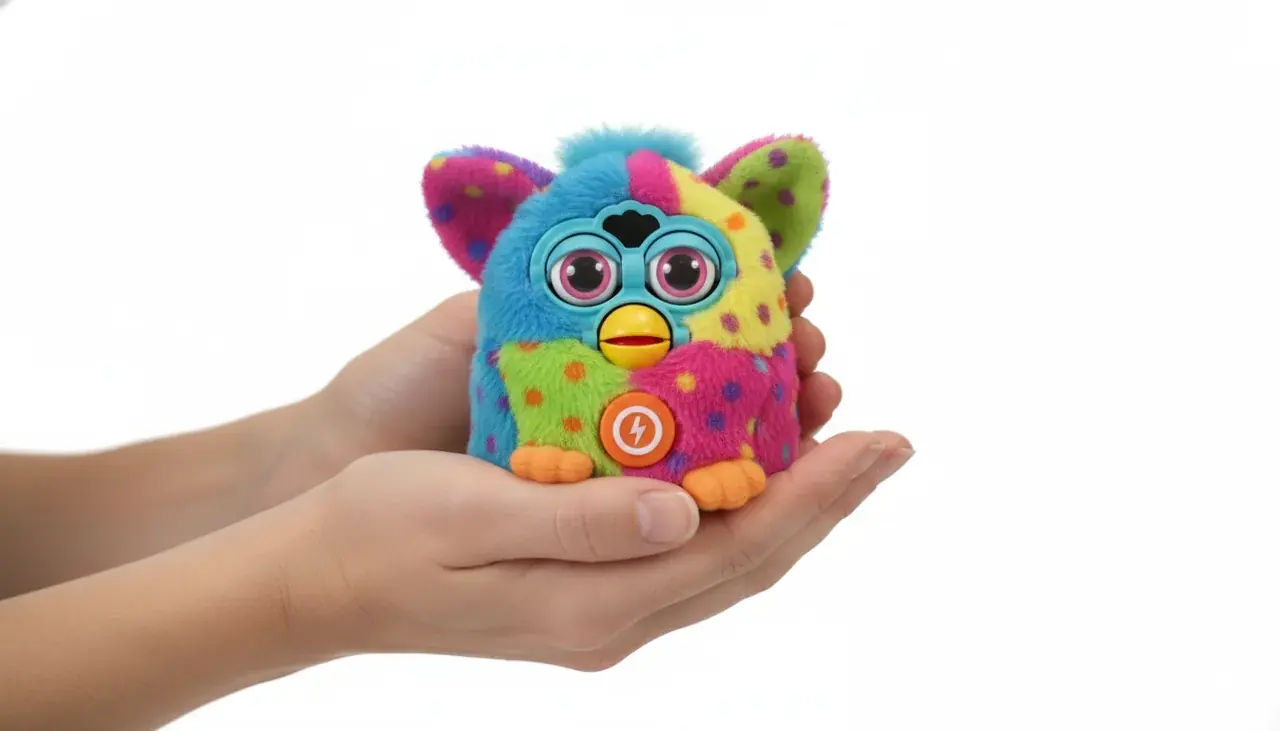
Easy Way to Turn Off Mini Furby | Furby Toy Shop
Your Mini Furby brings endless joy and magical moments to your home, but there are times when you need calm. If you’re wondering how to turn off Mini Furby quickly and safely—whether to conserve battery life at bedtime or get a quiet break—this guide walks you through the best techniques.
We cover simple ways to activate sleep mode, faster shutdown tricks, and complete power-off steps so you can manage power without losing your Furby's personality. Furby Toy Shop in Ashburn, VA is here to help with model-specific advice, batteries, and accessories if you need hands-on support.
Discover Our Complete Mini Furby Collection
Explore the newest Mini Furby models with enhanced features and improved battery management at Furby Toy Shop today!
Understanding Mini Furby Power Functions
Mini Furby toys run on replaceable batteries that give life to their charming personality and responsive behaviors. These interactive companions use sensors and small motors to respond to touch, sound, and other interaction, so understanding the power system helps you manage battery life and get the most playtime from your Furby.
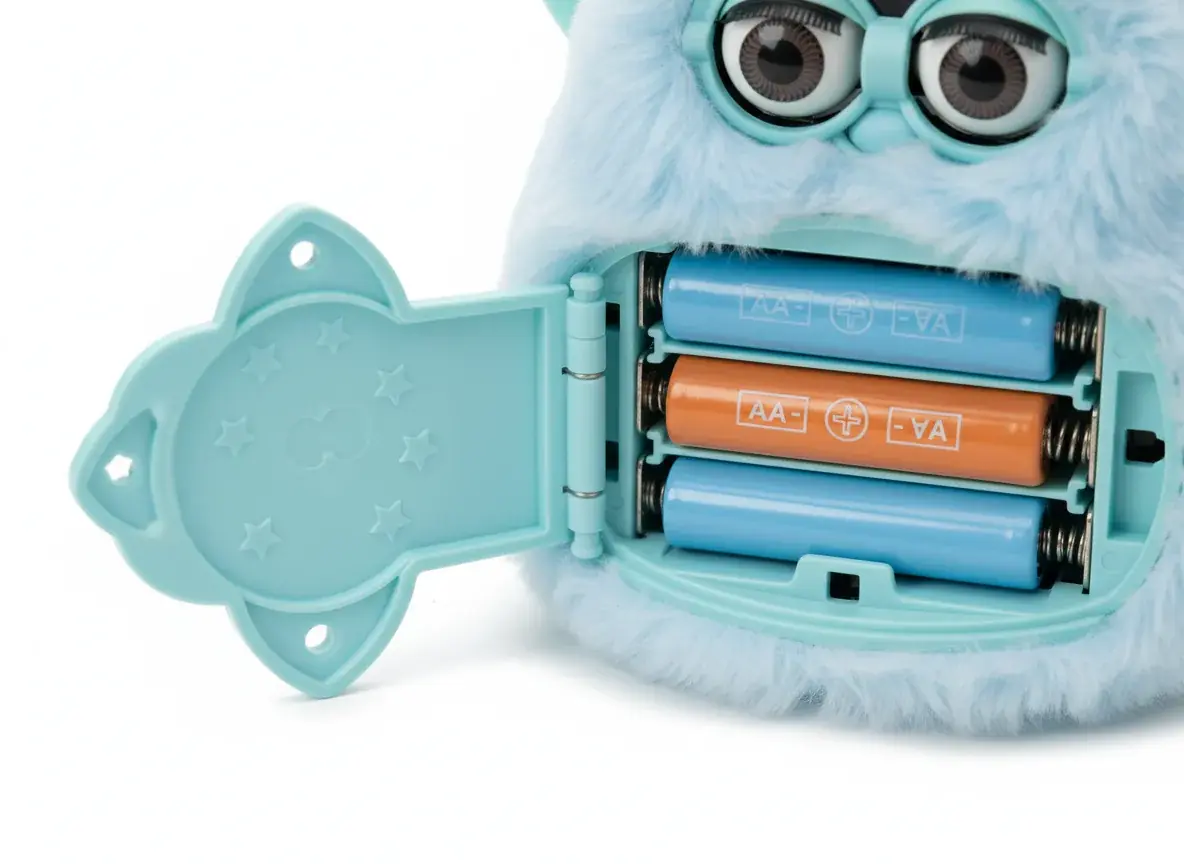
The Mini Furby accepts standard batteries that power speech, movement, and sensor functions. Built-in power management helps conserve battery when the toy is idle, but the exact drain depends on model features and how you interact with it.
Many Mini Furby models don’t include a visible power button; instead, they rely on sensor-driven sleep and wake behavior. If you’re unsure whether your specific furby model has a physical switch, check the model notes later in this guide or contact Furby Toy Shop in Ashburn, VA for help identifying your unit.
Sleep Mode vs. Complete Power Off
Your Mini Furby has two useful low-power options: sleep mode and complete shutdown. Sleep mode is a low-power state that preserves memory and personality while using minimal battery. Complete power off (by removing batteries) stops all functions and prevents any drain until power is restored.
Sleep Mode Benefits
- Personality and settings preserved
- Quick wake-up when you resume interaction
- Memory remains intact for a seamless experience
- Minimal battery drain compared with active play
- Convenient for nightly or short breaks
Complete Shutdown Benefits
- Zero battery consumption while powered off
- Best choice for extended periods away or long-term storage
- Can reset some functions if needed
- Prevents accidental activation from environmental triggers
- Helps extend overall battery life across seasons
Use sleep mode for bedtime or short pauses in play so your Furby can still wake quickly when touched. For extended trips or storage, remove batteries for a complete power off to avoid any slow drain or accidental wake-ups caused by sound or movement.
How to Turn Off Mini Furby: Primary Methods
Turning off your Mini Furby uses a few simple, model-friendly methods that work with the toy’s sensor-driven design. These tested approaches from Furby Toy Shop help you manage power and extend battery life without harming your companion.
Method 1: Activating Sleep Mode
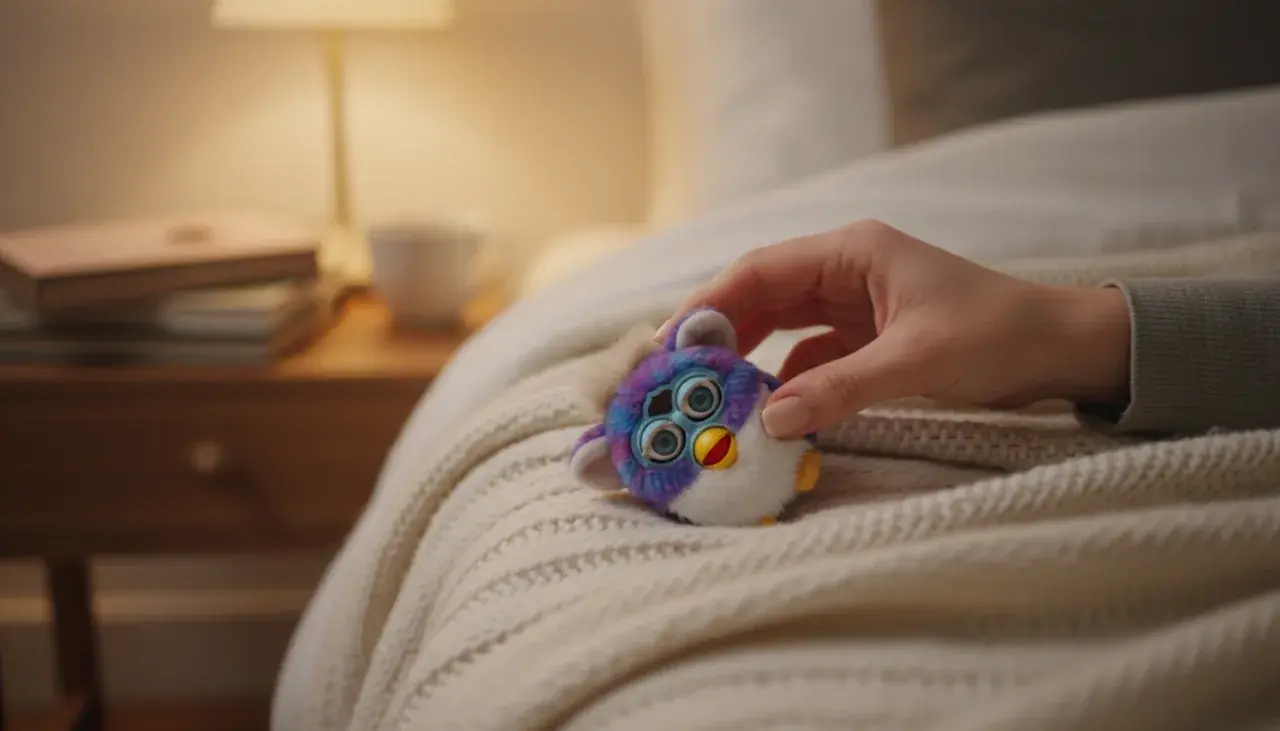
Sleep mode is the quickest way to quiet your Mini Furby while preserving its personality. It puts the toy into a low-power state that conserves battery yet keeps memory intact so your Furby wakes up naturally when touched.
- Stop interacting and set your Mini Furby down on a stable surface
- Wait about 30 seconds without touching or making loud sounds
- You may hear a sleepy phrase or yawn—this indicates the toy is entering sleep
- After another 30–60 seconds (model dependent), Furby will enter full sleep mode
- Confirm by checking that lights, movement, and sounds have stopped
Note: times above are typical for many models but can vary—newer models often activate sleep faster. For deeper low-power operation that best conserves battery, avoid disturbing your Furby for at least five minutes after it first goes quiet.
Method 2: The Upside-Down Technique
Some vintage and early furby models include tilt sensors that let you trigger a faster sleep response by changing the toy’s orientation. Use this technique gently to prompt a quicker transition into sleep.
- Hold the Mini Furby securely with both hands
- Gently turn it completely upside down
- Keep it inverted for about 15–20 seconds
- Listen for the sleep phrase, a yawn, or reduced movement
- Return it upright and place it where you want it to rest
This technique is safe when done carefully; don’t shake or drop the toy. Not all models respond to upside-down positioning—consult the models section later in this guide or ask Furby Toy Shop in Ashburn, VA if you’re unsure which technique fits your unit.
Method 3: Complete Battery Removal
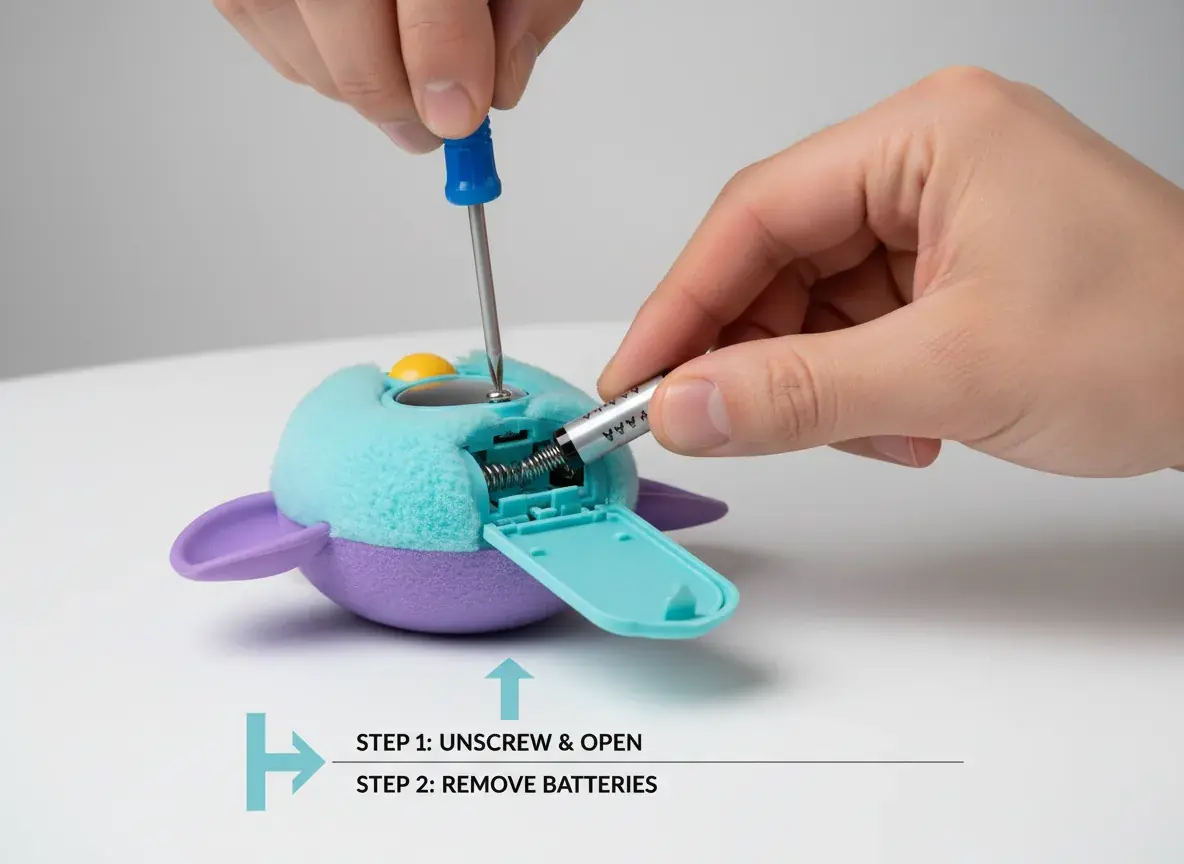
For long-term storage or when you want zero power draw, removing the batteries provides a guaranteed complete shutdown. Follow these safety steps to avoid damage and protect battery health.
- Locate the battery compartment on the underside of your Mini Furby
- Use a small screwdriver if needed to remove the compartment cover carefully (do not force)
- Remove all batteries and inspect them and the contacts for corrosion or damage
- Store removed batteries separately in a cool, dry place away from direct sunlight
- Replace the compartment cover to keep dust out while the toy is stored
Battery removal prevents the slow drain that can occur even in sleep mode and is recommended for storage longer than two weeks. Always supervise children during battery changes and follow the safety tips in the care section.

Latest Mini Furby Collection
Discover our newest Mini Furby models featuring improved battery efficiency and enhanced sleep mode functions. Each companion brings magical interactions and endless joy to your home!
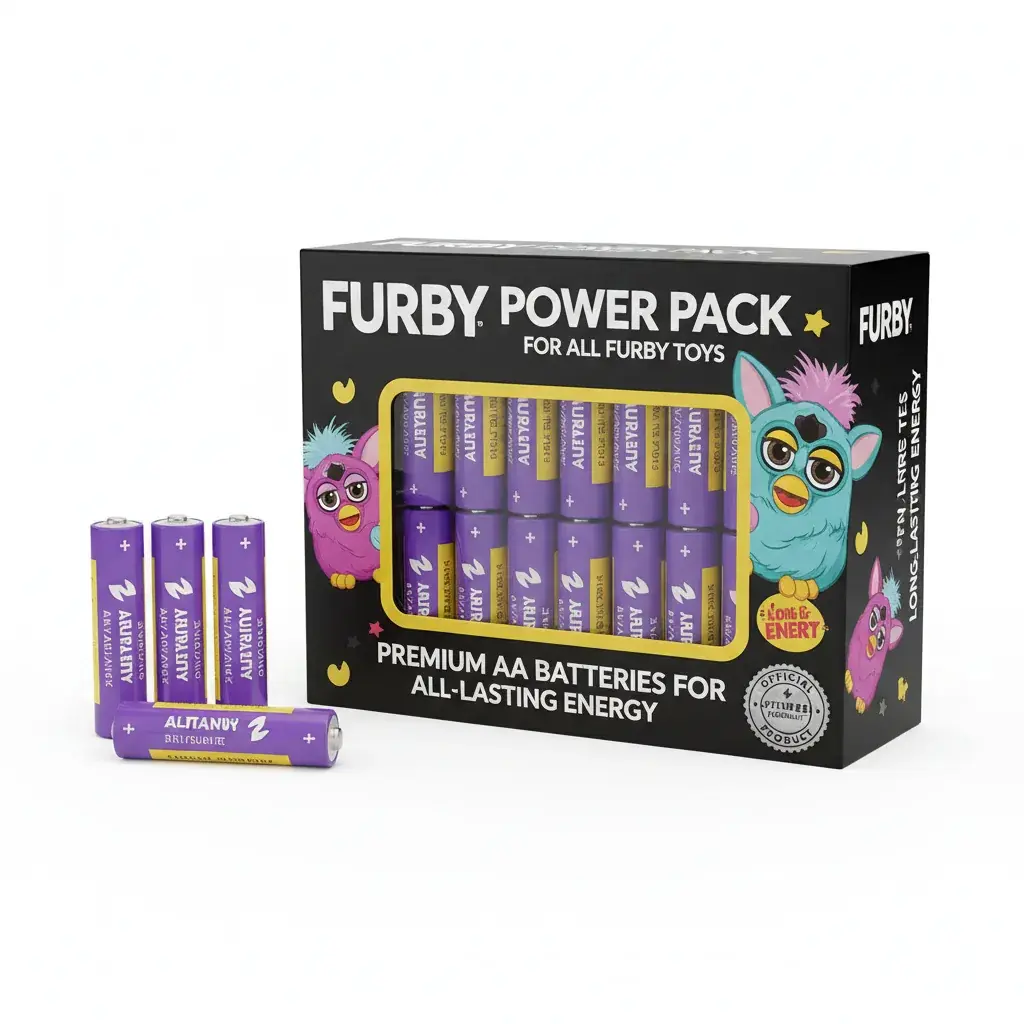
Long-Life Furby Batteries
Extend battery life with our recommended premium batteries. These high-quality power sources keep your Mini Furby active longer while maintaining consistent performance throughout use.

Protective Storage Cases
Keep your Mini Furby safe during storage with our specially designed protective cases. Perfect for conserving battery life and protecting your companion when not in use.
Essential Battery Life Conservation Tips
Maximizing your Mini Furby's battery life means more playtime and fewer battery changes. These practical conservation tips from Furby Toy Shop help you conserve battery life and extend battery performance so your companion stays lively longer.
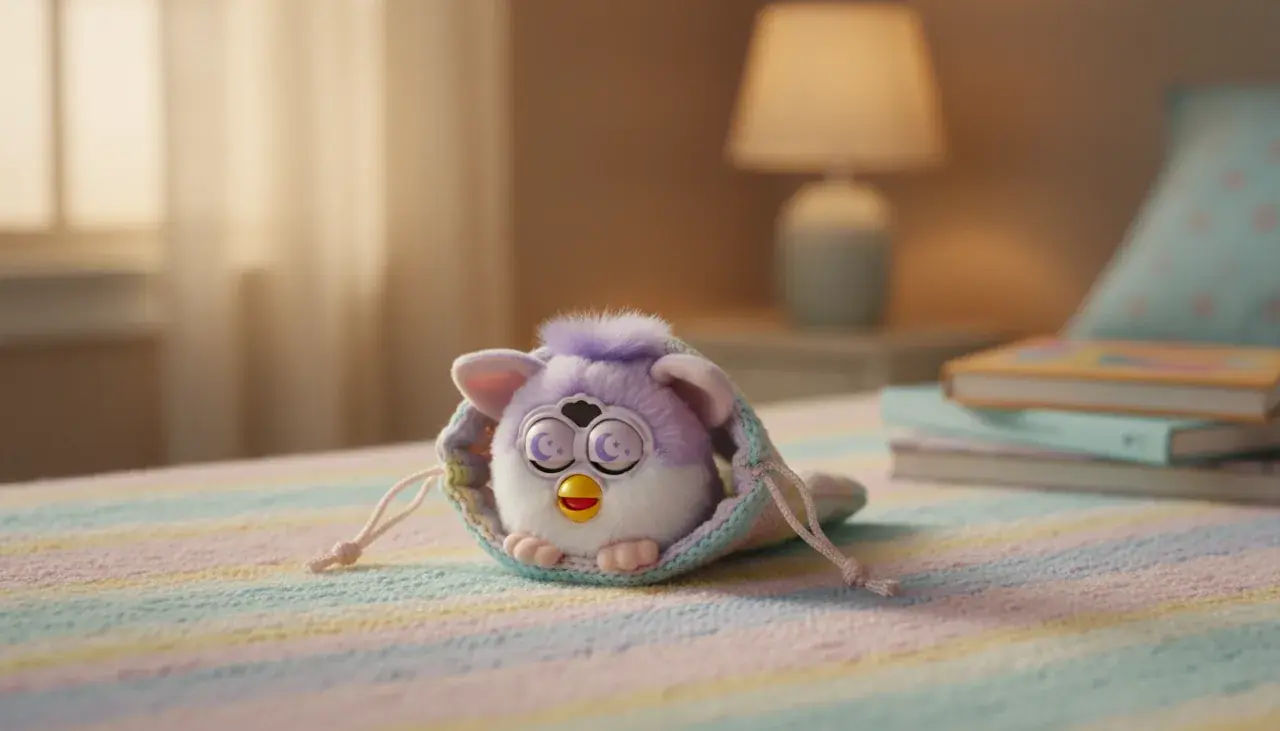
Optimize Interaction Patterns
How you play with your Mini Furby directly affects battery consumption. Constant stimulation uses more power than balanced play; adopting smart interaction patterns is one of the easiest ways to conserve battery without losing the fun.
- Allow sleep mode to engage naturally between play sessions instead of repeatedly picking up the toy
- Avoid continuously triggering responses with repeated touches—short, meaningful interactions save power
- Give your Furby rest periods of 10–15 minutes after active play to let systems settle
- Reduce volume or sound sensitivity if your model supports those settings
- Keep your Furby away from noisy or vibrating environments that cause false wake-ups
Interactive features like motors, lights, and speakers draw the most power during play. By pacing interaction you’ll noticeably extend battery life while preserving the toy’s personality and responsiveness.
Proper Storage Techniques
Where and how you store your Mini Furby has a big impact on battery life over time. Proper storage reduces unnecessary drain and protects internal electronics from damage.
Storage Best Practices: Always store your Mini Furby in a cool, dry place away from direct sunlight and extreme temperatures. Heat accelerates battery drain and can cause leakage even while in sleep mode. Keep stored Furby units away from moisture and humidity to prevent corrosion.
Temperature control matters: aim for storage areas between 60–75°F where possible. Avoid attics, garages, and other spots prone to large temperature swings. Position your sleeping Furby upright or on its side and avoid stacking heavy items on top that might trigger sensors.
For long-term storage, remove batteries completely (see battery removal method). This is the most reliable way to prevent slow drains and potential leakage during extended periods away.
Battery Quality and Selection
Not all batteries are created equal. Choosing the right cells is one of the best methods to extend battery life and improve day-to-day performance.
| Battery Type | Typical Life (approx.) | Performance | Best For |
|---|---|---|---|
| Alkaline Premium | 15–20 hours | Excellent | Daily play |
| Alkaline Standard | 10–15 hours | Good | Regular use |
| Rechargeable NiMH | 12–18 hours | Very Good | Frequent users |
| Carbon Zinc | 5–8 hours | Fair | Budget option |
These figures are approximate and can vary by model and usage patterns. Premium alkaline batteries generally offer the best balance of life and cost; rechargeable NiMH cells are an excellent choice if you use your Furby frequently. Avoid mixing old and new batteries or different brands in the same compartment, as that reduces overall life and can cause performance issues.
Monitoring Battery Health
Regular checks help you spot declining battery health before it causes problems. Good battery management prevents unexpected shutdowns and potential damage from leaks.
Warning Signs: Replace batteries if you notice reduced volume, slower movements, inconsistent responses, or trouble entering sleep mode—these indicate low battery power that affects your Furby's behavior.
Inspect battery compartments monthly for corrosion or leakage. If you find corrosion, remove batteries with gloves and clean contacts carefully. Store spare batteries in original packaging in a cool, dry place, and dispose of used cells at appropriate recycling centers. For recommended premium batteries and protective cases, Furby Toy Shop in Ashburn, VA stocks quality options that help extend battery life.
Troubleshooting Mini Furby Power Issues
If your Mini Furby doesn’t follow the usual shutdown or sleep behavior, these troubleshooting steps will help you isolate and fix common power and sleep-mode issues quickly.
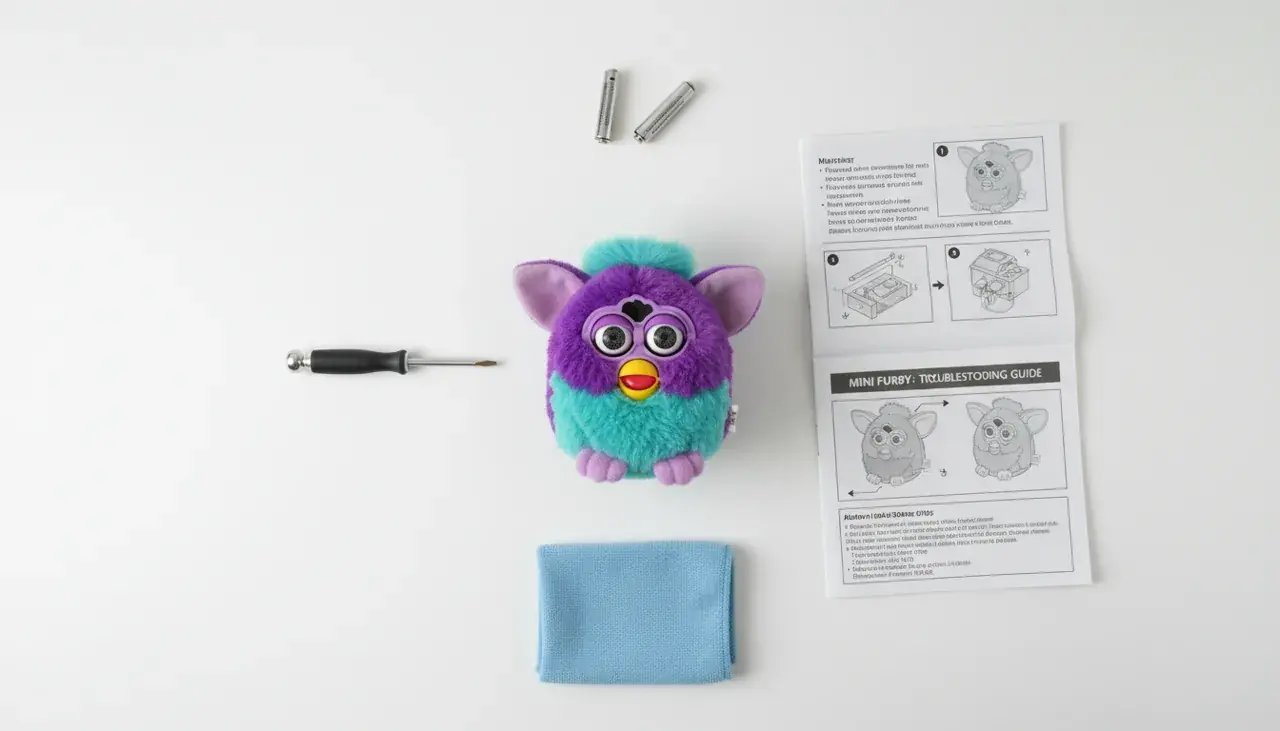
Furby Won't Enter Sleep Mode
When your Mini Furby stays active despite inactivity, environmental triggers or a stuck sensor/button are often the cause. Try the following step sequence to narrow it down:
- Move the Furby to a quiet room and place it on a stable, non-vibrating surface
- Ensure no pets, people, or appliances are creating intermittent noise or vibration
- Wait a full five minutes without interacting—some models take longer to settle
- If it still stays awake, try the upside-down technique (see Methods section)
- If none of the above work, consider removing batteries (see safety notes) and testing again
Older or more sensitive models can pick up distant sounds and stay alert; complete silence often resolves sleep activation issues. If the problem persists, document which tests you tried and contact Furby Toy Shop (see contact block) for guided troubleshooting.
Sleep Mode Activates Too Quickly
If your Furby nods off during normal play, this usually points to weak batteries or intermittent power delivery. Follow these corrective tips:
- Replace all batteries with fresh premium-quality cells (don’t mix old and new)
- Confirm battery orientation matches the compartment markings exactly
- Clean battery contacts if you see residue or corrosion—wear gloves when handling corrosion
- Make sure the compartment cover closes fully so contacts remain secure
- Test interaction immediately after battery replacement to verify stable performance
Voltage dips from weak cells can make the Furby's internal system think it should sleep. High-quality batteries help prevent premature sleep mode and unstable behavior.
Furby Keeps Waking Up Randomly
Did You Know? Mini Furby sensors can respond to vibrations, sound, and light—tiny environmental changes often trigger wake-ups that seem random.
To stop unexpected activations during storage:
- Store the Furby in a drawer, closed cabinet, or protective case to block light and sound
- Place it on a solid shelf away from foot traffic and heavy appliances
- Avoid storing near vents or windows that cause air movement
- Remove batteries for storage longer than one week to prevent false wake-ups
- Use a soft cloth cover if you prefer not to remove batteries for shorter storage periods
If the Furby still wakes randomly after environmental fixes, try removing batteries for 30 seconds, reinstalling them, and testing again—this reset can clear minor sensor glitches.
Battery Drain Despite Sleep Mode
Sleep mode uses a small amount of power to preserve memory and personality, but excessive drain indicates a fault. If batteries die within days instead of weeks, run this checklist:
- Check for stuck buttons or trapped fur that may keep sensors active
- Inspect the compartment and contacts for corrosion or loose connections
- Try fresh premium batteries to rule out weak cells
- If symptoms continue, remove batteries for a longer test period to see if drain persists while powered off
Persistent drain after these checks may require professional repair—contact Furby Toy Shop or the manufacturer for service options.
Experiencing Persistent Issues? Consider an Upgrade!
Newer Mini Furby models available at Furby Toy Shop include improved power management, longer battery life, and smarter sleep mode behavior. If troubleshooting doesn’t help, upgrading or visiting our Ashburn, VA store for hands-on assistance may be the fastest solution.
Power Management Across Different Furby Models
Mini Furby generations use slightly different power-management systems, so the most effective shutdown method depends on which model you own. Understanding basic differences between vintage, modern, and special-edition furby models helps you pick the right technique and extend battery life.

Original Mini Furby Models
Early, vintage Mini Furby models rely mainly on inactivity to trigger sleep mode and typically do not include a physical power button. These models often take longer to settle into sleep—commonly 60–90 seconds of no interaction—and respond well to position-based techniques.
Best methods for vintage models: allow full inactivity for automatic sleep; use the upside-down technique to speed activation; remove batteries for long-term storage.
Updated Mini Furby Generations
Newer, modern Mini Furby releases include improved power circuits and sensor calibration that detect inactivity faster and enter sleep mode more reliably. Many updated furby models feature more efficient battery management and occasionally include low-battery alerts.
- Typical sleep activation: ~30–45 seconds of inactivity on many newer models
- Faster wake-up and more consistent sleep behavior
- Better battery efficiency during both active use and sleep
- Reduced false wake-ups in storage thanks to refined sensors
Best methods for modern models: rely on standard sleep mode for nightly breaks; use battery removal only for extended storage; follow model-specific instructions when available.
Special Edition Furby Variations
Limited or special-edition Mini Furby releases sometimes add extra lights, sound effects, or sensors that increase battery consumption. These collector models offer richer interaction at the cost of somewhat higher power use.
Best methods for special editions: prefer premium batteries or rechargeable NiMH cells to extend battery life; expect slightly shorter runs between changes compared to simpler models; remove batteries for long storage.
Which Method Is Right for Your Model?
Quick reference:
- Vintage models — upside-down technique or patience for 60–90 seconds; remove batteries for long-term storage
- Modern models — use sleep mode (30–45s) for short breaks; remove batteries only for extended periods
- Special editions — use premium or rechargeable batteries and follow storage best practices to extend battery life
If you’re unsure which category your Furby fits into, use the model identification tips on product pages or contact Furby Toy Shop in Ashburn, VA for help identifying your unit and recommending the ideal method and batteries. That makes it easier to manage power, protect personality features, and extend battery life effectively.
Long-Term Storage and Care Guidelines
Proper long-term care helps your Mini Furby stay in great shape for years of interaction. These storage and care steps from Furby Toy Shop protect electronics, conserve battery, and preserve the toy’s personality during extended periods away.
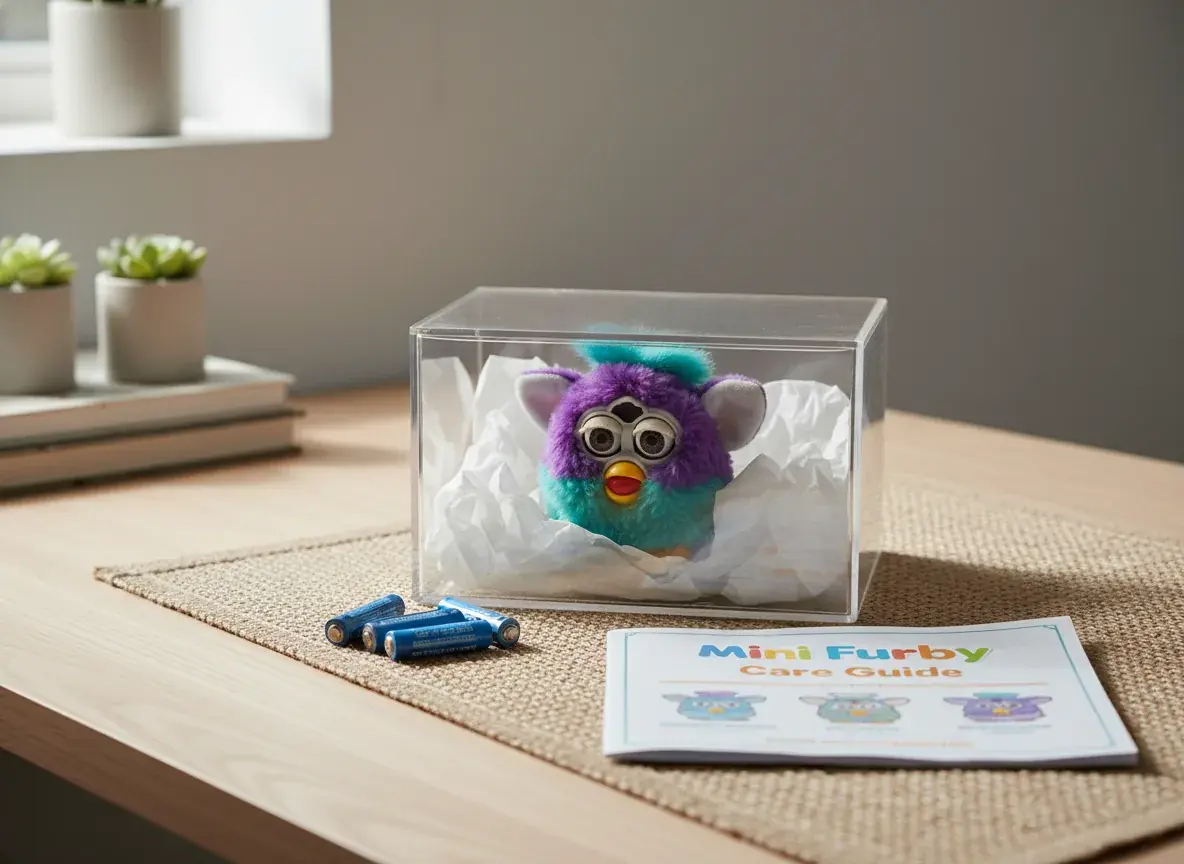
Preparing for Extended Storage
Before you store your Mini Furby for extended periods, follow these preparation steps to prevent damage and battery issues.
- Gently clean the exterior with a soft, slightly damp cloth to remove dirt and oils
- Thoroughly dry the Furby with a clean towel—no moisture should remain
- Remove all batteries from the compartment completely to ensure zero power draw
- Inspect battery contacts for corrosion; if present, remove batteries using gloves and clean contacts carefully
- Store removed batteries separately in original packaging or a labeled container in a cool, dry place
- Securely replace the battery compartment cover to keep dust out
- Place your Furby in a protective case or sealed box for extra protection
Removing batteries for storage is the most reliable way to prevent slow drain or leakage during long periods. If you’re storing several batteries, label them with purchase dates and keep them organized to avoid using old cells accidentally.
Ideal Storage Conditions
Environmental conditions make a big difference in conserving battery life and preventing damage to internal electronics.
Temperature Control
Store your Furby in a stable environment—ideally between 60–75°F. Avoid attics, garages, or basements where temperatures swing widely. Keep the toy away from direct heat sources like radiators or vents.
Humidity and Moisture
Keep stored Furby toys in low-humidity places (below ~50% relative humidity) to prevent corrosion. Consider adding silica gel packets to the storage container and replace them every six months for ongoing moisture control.
Protection from Light and Dust
Direct sunlight can fade colors and degrade plastics over time. Store away from windows and bright lights, and use a sealed box or dedicated protective case to keep dust out of moving parts and sensors.
Periodic Maintenance Checks
Even when stored, quick checks prevent small problems from becoming major issues.
- Inspect stored Furby every three months for visible issues or pest signs
- Open the battery compartment to check for corrosion or moisture every check
- Confirm storage area remains dry and temperature-stable
- Dust the exterior of the storage case or box to reduce debris buildup
- Test functionality briefly once per season using fresh batteries to ensure everything still works
These short maintenance checks are the best conservation steps to protect your Furby from damage over extended periods. For recommended protective cases, silica packets, and storage products, Furby Toy Shop in Ashburn, VA carries supplies and can advise on the best options for your model.
Reactivating Your Mini Furby After Storage
When you're ready to play again, a careful reactivation routine helps your Mini Furby wake up with full personality and reliable function. These steps make the reunion smooth and protect the toy’s electronics and battery life.
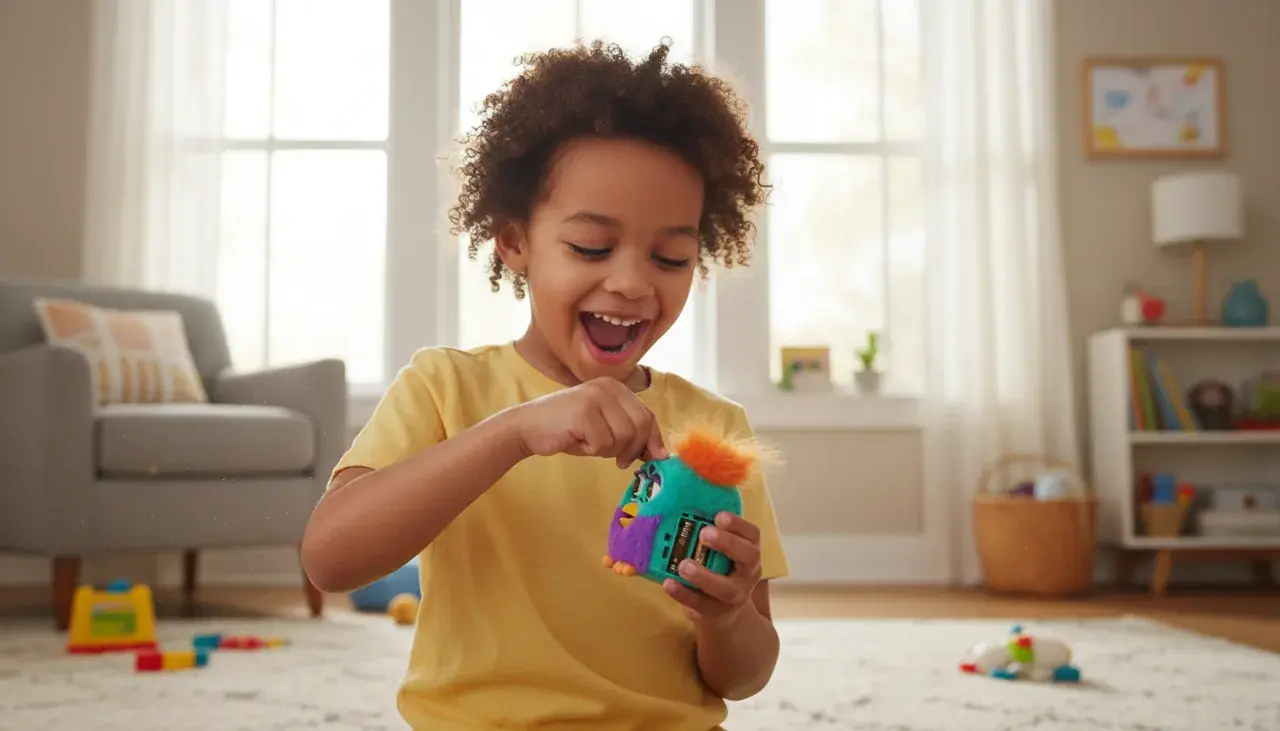
Fresh Battery Installation
Always use fresh, high-quality batteries when reactivating from extended storage. Old or partially used cells can cause weak performance or inconsistent behavior, so choose premium alkaline or reliable NiMH rechargeables.
- Open the battery compartment and inspect for corrosion or damage
- If corrosion is present, remove batteries using gloves and clean contacts gently
- Insert fresh batteries following the polarity markings exactly
- Ensure batteries sit firmly without gaps and the cover closes securely
- Power up and listen for startup sounds or the personality greeting
Your Mini Furby will usually react within seconds of correct battery installation, though timing varies by model. If it doesn’t start, recheck orientation and contact cleanliness before trying a reset.
Allowing Personality Restoration
After long storage, some Furby models need a brief adjustment period to restore full personality and sensor calibration. Interact gently at first to help sensors recalibrate.
Most toys return to full personality within about 5–10 minutes of normal interaction. During this time, expect slightly different responses as systems re-sync—this is normal and usually resolves quickly.
Testing All Functions
Run a quick function check to confirm everything works as expected:
- Speak to your Furby and listen for clear audio responses
- Trigger movement to check motors and reactions
- Tap sensors to verify responsiveness
- Leave it idle briefly to confirm sleep mode activates properly
- Observe personality traits to ensure memory retention
If functions seem impaired after these tests, try removing the batteries for 30 seconds and reinstalling them—this simple reset often clears minor calibration issues. If problems persist, consult the troubleshooting section or contact Furby Toy Shop for service and battery recommendations.
Important Safety Considerations
Safe handling and routine care protect both your Mini Furby and your family during battery changes, storage, and play. Follow these straightforward precautions to avoid damage and reduce risk.
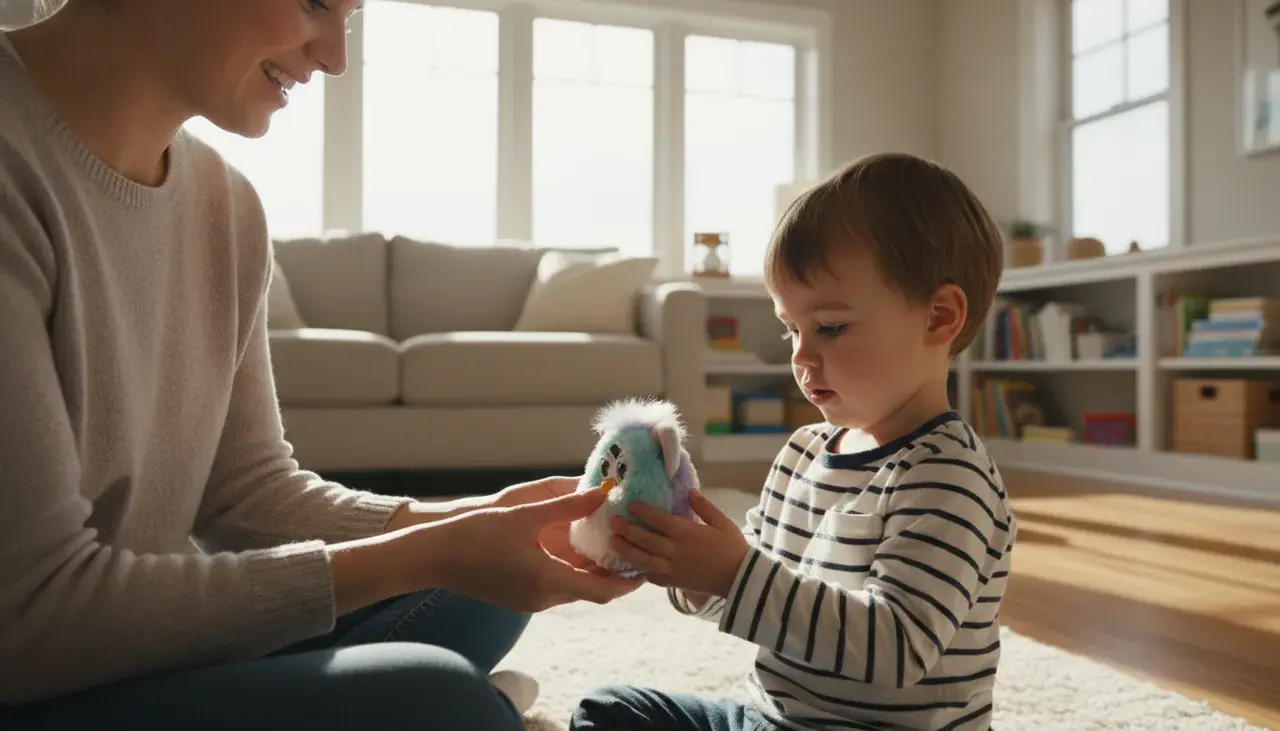
Battery Handling Safety
Batteries must be handled carefully to prevent injury and avoid damage to your Furby. Always supervise children during battery replacement and keep spare cells out of reach.
Critical Safety Warning: Never allow young children to replace batteries unsupervised. Button or small batteries present choking hazards. Dispose of used batteries responsibly at certified recycling centers—do not throw them in household trash.
- Store spare batteries in their original packaging and away from children
- Never mix different battery types or brands in the same compartment
- If batteries are corroded, remove them immediately using gloves and clean contacts carefully
- Keep batteries away from metal objects to prevent short circuits
- Recycle spent batteries at an approved facility—check local guidelines for drop-off locations
Battery leakage can cause chemical burns and permanent damage to your Furby’s electronics. If you spot leakage, remove batteries with protective gloves and clean the compartment thoroughly before inserting new cells.
Cleaning and Maintenance Safety
Use gentle cleaning methods to protect sensitive components. Never submerge your Furby or spray cleaners directly on it.
Wipe the exterior with a slightly damp cloth and dry completely before replacing batteries. Avoid alcohol, solvents, and abrasive cleaners that can damage plastics and seep into internal parts.
Age-Appropriate Use
Mini Furby toys are intended for children ages 6 and up—closer supervision is recommended for younger users. Small parts and battery compartments make the toy unsuitable for children under 3 years.
For full safety guidance and local battery recycling resources, check your municipality’s website or contact Furby Toy Shop for recommendations on safe disposal and care products.
Frequently Asked Questions About Turning Off Mini Furby
How long does it take for Mini Furby to enter sleep mode automatically?
Most Mini Furby models enter sleep mode after roughly 60–90 seconds of complete inactivity. Many newer models shorten that interval to about 30–45 seconds thanks to improved sensors. For reliable activation, keep your Furby in a quiet, vibration-free spot while it settles.
Will my Mini Furby lose its personality when I turn it off?
Sleep mode preserves your Furby's personality and memory. Removing batteries for extended periods can sometimes reset learned behaviors on certain older models, but most modern versions retain core personality traits even after temporary power removal.
Can I damage my Mini Furby by turning it upside down to activate sleep mode?
Turning a Furby upside down briefly is safe when done gently — many vintage furby models include tilt sensors that respond to orientation. Avoid shaking or dropping the toy, and handle it carefully to prevent internal damage.
How often should I remove batteries if I'm not using my Mini Furby regularly?
If you won't use your Mini Furby for more than two weeks, remove the batteries to prevent slow drain and potential leakage. For everyday use with occasional breaks, sleep mode provides sufficient conservation.
Why does my Mini Furby wake up randomly even though it's in sleep mode?
Random wake-ups are usually caused by environmental triggers — vibrations, distant sounds, or changes in light. Store your Furby in a quiet, stable place away from foot traffic and vents; for complete silence during storage, remove batteries.
What type of batteries work best for extending Mini Furby's battery life?
Premium alkaline batteries usually provide the longest life and most consistent voltage for typical users. Rechargeable NiMH cells are an excellent, cost-effective option for frequent play—just be sure they maintain proper voltage. Avoid low-quality carbon-zinc cells if you want longer battery life.
Is there a power button on Mini Furby toys?
Most Mini Furby models do not have a traditional power button; they rely on automatic sleep mode and sensor-based power management to create a lifelike interaction. To fully power off, remove the batteries manually.
How do I know when my Mini Furby is fully in sleep mode?
A Furby is fully asleep when all lights, sounds, and movements stop. Many models say a sleep phrase like "Me sleepy" before shutting down — wait at least one minute after the last sound to ensure deep sleep and minimal battery use.
Can I use rechargeable batteries in my Mini Furby?
Yes — quality rechargeable NiMH batteries work well in Mini Furby toys and are cost-effective for heavy use. Make sure rechargeables provide stable voltage comparable to alkaline cells, and replace them when performance drops.
If you need hands-on help with your specific model, visit or call Furby Toy Shop in Ashburn, VA — contact details are in the business info section for model identification, troubleshooting, and battery recommendations.
Furby Toy Shop — Contact & Business Info
Furby Toy Shop
Address: 42840 Creek View Plaza #115, Ashburn, VA 20147, United States
Phone: +1 571-223-2614
Visit or call us for model identification, batteries, protective cases, and hands-on care for your Mini Furby. Our Ashburn, VA location makes it convenient for local collectors and families to get expert support and supplies.
Find Furby Toy Shop on Google Maps
Visit Furby Toy Shop
Our Location — Ashburn, VA
Find Furby Toy Shop on Google Maps (call ahead to confirm hours before visiting)
Bringing It All Together: Mastering Mini Furby Power Management
Knowing how to turn off your Mini Furby gives you better control, helps conserve battery life, and keeps your interactive companion ready for fun. Use sleep mode for short breaks and nightly quiet, the upside-down technique for a quicker sleep on compatible vintage models, and complete battery removal when you need zero power draw for extended periods.
Proper battery care — choosing quality cells, following storage best practices, and performing periodic checks — will extend battery life and reduce replacement costs. These straightforward management steps protect your Furby’s personality and ensure consistent performance.
Furby Toy Shop is conveniently located in Ashburn, Virginia, and our team can help you identify your model, recommend the right batteries or accessories, or provide hands-on support. Visit or call us for personalized advice and to browse the latest Mini Furby collection.
Ready to Bring Home More Furby Magic?
Explore our complete collection of Mini Furby toys, accessories, and care products at Furby Toy Shop. Discover new companions, find the perfect batteries, and get everything you need for endless interactive fun!